


For CRMs, quoting tools and solar software
Solar Potential & Financial Analysis API
One API call returns a complete roof, solar and financial analysis.
Send an address or coordinates. Solarise finds the building, measures the roof, places the panels, and sizes, prices and finances a system for every preset, with your own products, prices and discounts.
No credit card required. Start on the free plan; its features and limits are shown when you sign up.
Read the API documentationPOST/api/v1/roof-analyses
curl -X POST https://app.solarise.app/api/v1/roof-analyses \
  -H "Authorization: Bearer $SOLARISE_API_KEY" \
  -H "Content-Type: application/json" \
  -H "Idempotency-Key: $(uuidgen)" \
  --max-time 180 \
  -d '{
  "location": {
    "latitude": 53.3438,
    "longitude": -6.2546
  }
}'
Coordinates only: Solarise defaults for the country.
- 20,000+quotes issued with Solarise
- 30–90 sfor a complete analysis
- Up to 4sized, priced and financed systems per call
- 45+countries with default electricity prices
What one call gives you
Everything a solar quote needs, from one request.
One call, one complete answer
Send a location and get the roof, the systems, their prices and their savings back in a single response.
Automatic location and building detection
Send coordinates, a street address, an Eircode or a Plus Code. Solarise finds the building and picks the best aerial imagery.
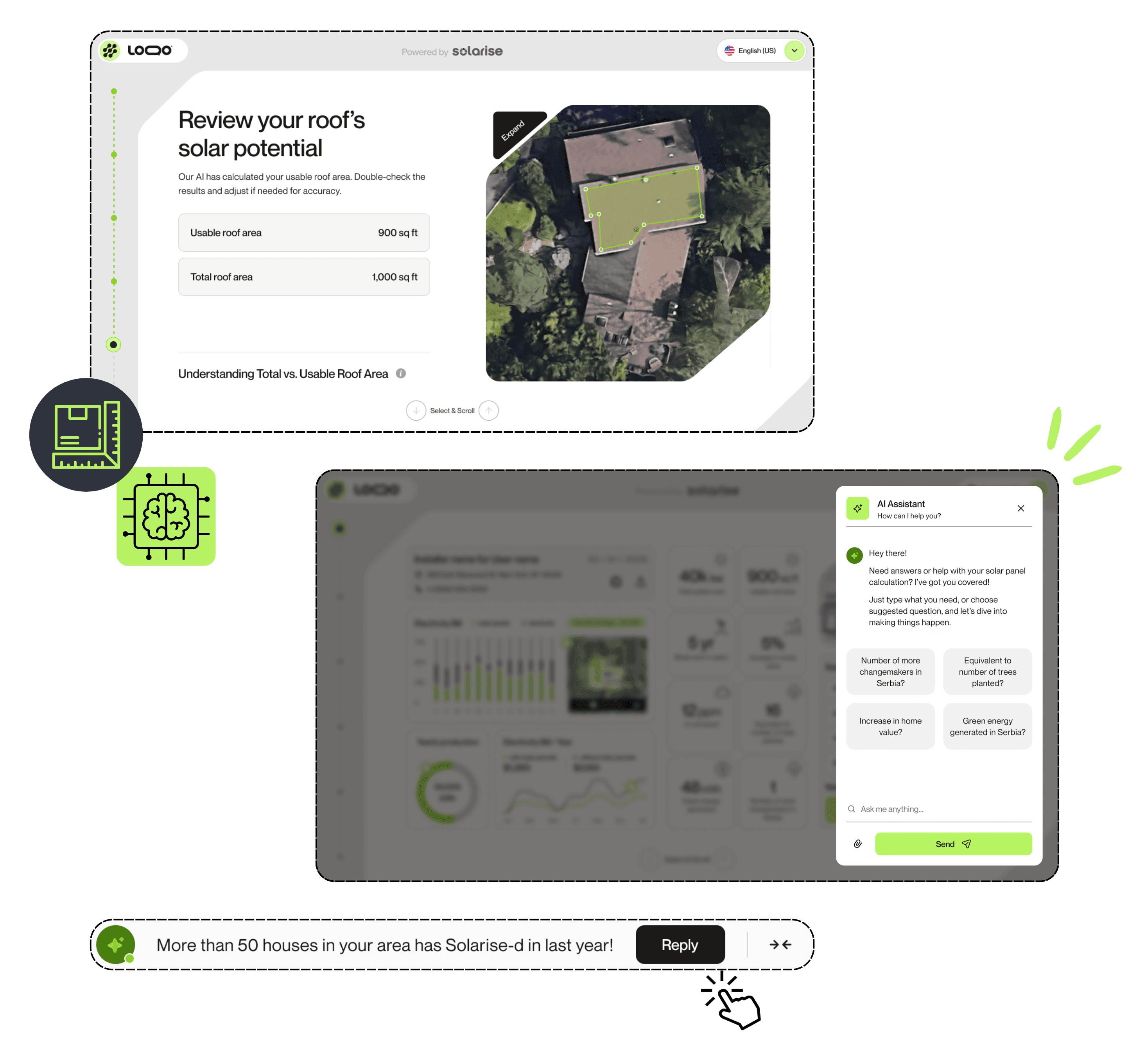
Roof faces, obstacles and usable area
Solarise identifies every roof face and leaves out obstacles, setbacks and unsuitable faces to find the area that can hold panels.
Panel placement and sizing for every preset
Panels are placed automatically and a system is sized for each preset: fastest payback, highest production, perfect fit and optimal panel placement.
Your products, prices and discounts
Systems use the panels, inverters and batteries of your SunnyForm, priced with your own prices and discounts.
Payback, savings and 25-year projections
Figures come from an hourly energy model with local electricity prices and price growth, plus loan, lease and PPA figures from your financing packages.
Battery analysis
Battery systems come with backup hours, and the savings and self-consumption of the same system without the battery.
Monthly production estimates
Expected generation for every month of the first year, with the yearly CO₂ reduction.
Residential, commercial and apartment buildings
One endpoint for homes, businesses and apartment buildings, with consumption estimates for each.
Reusable SunnyForm configuration
Set up products, prices, discounts and financing once in the dashboard and use them in your calculator and the API.
Optional CRM lead and webhook
When you choose, save the analysis as a lead in your Solarise CRM or send it to your webhooks, like a calculator lead.
No manual roof selection
Nobody has to click on a roof, so analyses run unattended, from a single lead to a whole list of addresses.
How it works
From address to priced proposal in four steps.
Create an account and an API key
Sign up for free, open API in the Solarise dashboard and create a key. Keep it on your server.
Set up a SunnyForm, if you want
Add your products, prices, discounts and financing. Skip it and Solarise uses its defaults for the property’s country.
Send one request
POST the property’s location, plus anything you know: the customer’s consumption or bill, prices or a battery preference.
Use the complete analysis
Usually within 30 to 90 seconds you get the roof and, for every preset, the system, price, payback, savings and financing.
The engine behind the Solarise calculator
The API runs the same analysis as the SunnyForm calculator that installers embed on their websites: the same roof measurement, the same system sizing and the same hourly energy and financial model.
Each roof is measured on the best aerial imagery available for its location. Where open elevation surveys exist, LIDAR or surface models from aerial photography, in England, Wales, Scotland, the Netherlands, France and four German states, they refine the measurement.
What your website visitors see and what your integration receives come from one engine and one configuration, so the numbers agree everywhere.
A real analysis, its address and IDs changed
One request in, a complete analysis out.
Taken from the documented example: the request, and an excerpt of the response for the preset the calculator shows first.
Request · POST /api/v1/roof-analyses
{
  "location": {
    "address": "12 Example Close, Leicester LE2 0XX"
  },
  "country_code": "GB",
  "sunnyform_id": "3f2c8a51-7d64-4e0b-9a1d-5c3e2b7f9a10",
  "annual_consumption_kwh": 3200,
  "usage_pattern": "MORNINGS_AND_EVENINGS",
  "include_battery": true
}
An address analysed with a SunnyForm and the customer's consumption.
Response excerpt
{
  "status": "OK",
  "currency": "GBP",
  "roof": {
    "total_area_m2": 118.4,
    "usable_area_m2": 61.7,
    "average_slope_degrees": 30.5
  },
  "battery_included": true,
  "default_preset": "OPTIMAL_PANEL_PLACEMENT",
  "presets": [
    {
      "preset": "OPTIMAL_PANEL_PLACEMENT",
      "name": "Optimal panel placement",
      "system": {
        "size_kwp": 3.08,
        "panel": {
          "quantity": 7
        }
      },
      "pricing": {
        "price_with_discounts": 10236
      },
      "financials": {
        "payback_years": 21.5,
        "annual_savings": 403.41
      }
    }
  ],
  "measurements": {
    "charged": 1,
    "remaining": 249
  }
}Use cases
Put solar analysis wherever you need it.
CRM enrichment
Add roof size, system size, price and payback to every lead that comes with an address.
Quoting tools and installer software
Create priced solar proposals with your products, discounts and financing inside your own software.
Call and site visit preparation
Analyse a property before the conversation, so your team starts with the roof, a sized system and a price.
Bulk property analysis
Analyse lists of addresses for campaigns or portfolios. Idempotency keys make sure a retry never pays twice.
Your own website or app
Build your own solar experience on top of the analysis, with your server calling the API and your brand in front.
AI coding agents
Give your coding agent our ready-made prompt and it builds the integration from the documentation and OpenAPI document.
What our beloved customers say
Trusted by solar teams that want to move faster.
“Solarise gives our team all the information needed to qualify customers clearly and respond to leads straight away.
If you want to grow your solar business and increase customer engagement without adding extra internal resources, Solarise is perfect, and so easy to use.”
“Solarise gets our existing leads more engaged and moves them deeper into the sales funnel.
Part of our decision was knowing that we’d receive real attention from the Solarise team, and we got it.”
“The Solarise team has been straightforward and a joy to work with. They listen to feedback and use it to improve the app, which is refreshing.
The quotation tool makes the initial process simpler for clients and saves me time later in the sales process.”
“The responsiveness Solarise team had in updating the app and making changes to accommodate what we needed from a technical standpoint is second to none.”
FAQ
Questions about the API
What is the Solar Potential & Financial Analysis API?
A REST API that returns a complete solar analysis of one property from a single request: the roof’s area and pitch, the local climate and, for every preset of your SunnyForm, the panels, inverters, battery, price with discounts, payback, savings, monthly generation and financing.
How is it different from a rooftop solar data API?
It returns finished, priced systems instead of raw rooftop data. Solarise measures the roof, places the panels, sizes the systems and models the finances with your own products, prices, discounts and financing.
Which properties can it analyse?
Residential, commercial and apartment buildings wherever suitable aerial imagery exists. Send coordinates, a full street address with the house number, an Irish Eircode or a Plus Code.
How much does it cost?
Each successful analysis uses one measurement of your Solarise plan, and failed analyses use none. You can start on the free plan without a credit card and move to a paid plan when you need more measurements.
How long does an analysis take?
Usually 30 to 90 seconds. The result comes back in the same HTTP request.
Can analyses appear in my Solarise CRM?
Yes, when you ask for it. Set save_to_crm to save the analysis as a lead in your SunnyForm’s CRM, or send_webhook to send it to your SunnyForm’s webhooks. Both are off by default, and then only the record of the request is kept.
Can I build the integration with an AI coding agent?
Yes. The documentation includes a ready-made prompt that points your coding agent to the OpenAPI document and the rules for keys, timeouts, retries and errors.
Run your first roof analysis today.
Create a free account, generate an API key and send your first request. Prefer to talk about your use case first? Book a call with Tina.
No credit card required. Start on the free plan; its features and limits are shown when you sign up.
Read the API documentation